

Hello, fellow music lovers! 🎹
Matthias asked us a great question that many of you probably know: How do you remove the annoying count-in, meaning the first four beats, from a MIDI file completely?
In this video, Dennis and Rainer from the Keyboard-Akademie show how this works quickly and with little effort on a Yamaha keyboard.
Together we go to the Multi Recording screen, find the drum tracks, which are channels 9 and 10, and delete the count-in notes easily in Step Edit with the Multi Select function.
And now comes the best tip of all, which almost feels like magic: you do not have to drag all the notes forward by hand afterwards! 🤯
Thanks to Yamaha’s clever Quick Start function, found under Song Setting → Play, the keyboard skips the empty measure automatically at high speed and starts right at the first relevant note.
Do you have questions for us, too? Feel free to write them in the comments. We are happy to take them up in future videos!
🎵 Deepen your knowledge: Take a look at our detailed course on Multi Recording, where we show many more tricks like this:
-
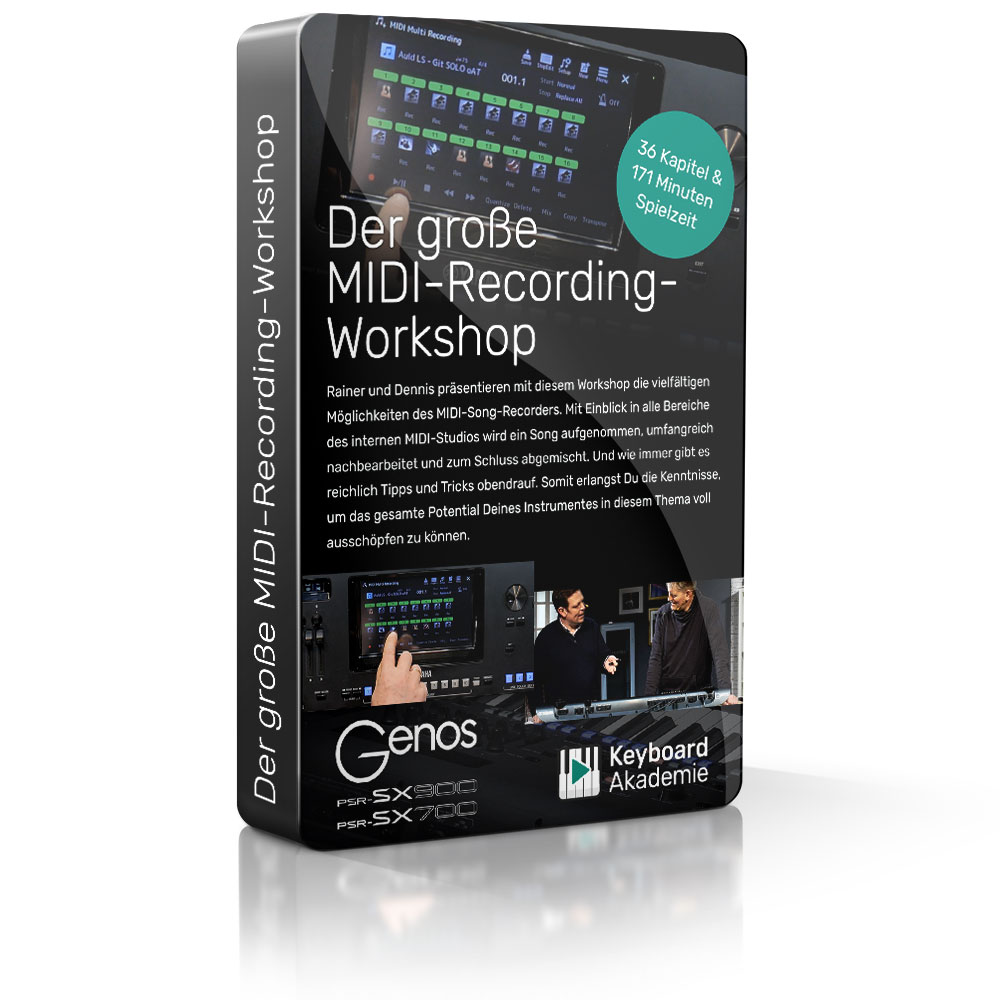
The Big MIDI Recording Workshop
59,00 €
Leave a Reply
You must be logged in to post a comment.